Final Project
Geri's Game
All code can be found on GitHub and a current version can be found in my webpage.
A WebGL representation of the game in the short "Geri's Game" by Pixar.
For this, the elements are simple but the orchestration is really hard. There is the Skybox, to give it an outdoorsy feel. There is the board to play, and there is the ambient elements such as the chairs, teeth and the chess box. Also, the moving of the pieces must feel natural.
As an informed decision, and to speed up a lot the development, a higher level API based on WebGL was used, in this case React 360. React 360 (formerly React VR) is a facebook technology based upon Web GL to speed up development and, as they state in their website, "is optimized for the creation of user interfaces that power rich multimedia experiences". Also, it has the advantage of working cross platform, including inmersive experiences with Oculus.
In this first version a simple thing was done: set the Skybox and a simple Start game UI.
It was a success as all the available platforms work as intended.
The Browser
Oculus Go view(Full VR experience)
Phone view (works amazing when the phone moves around)
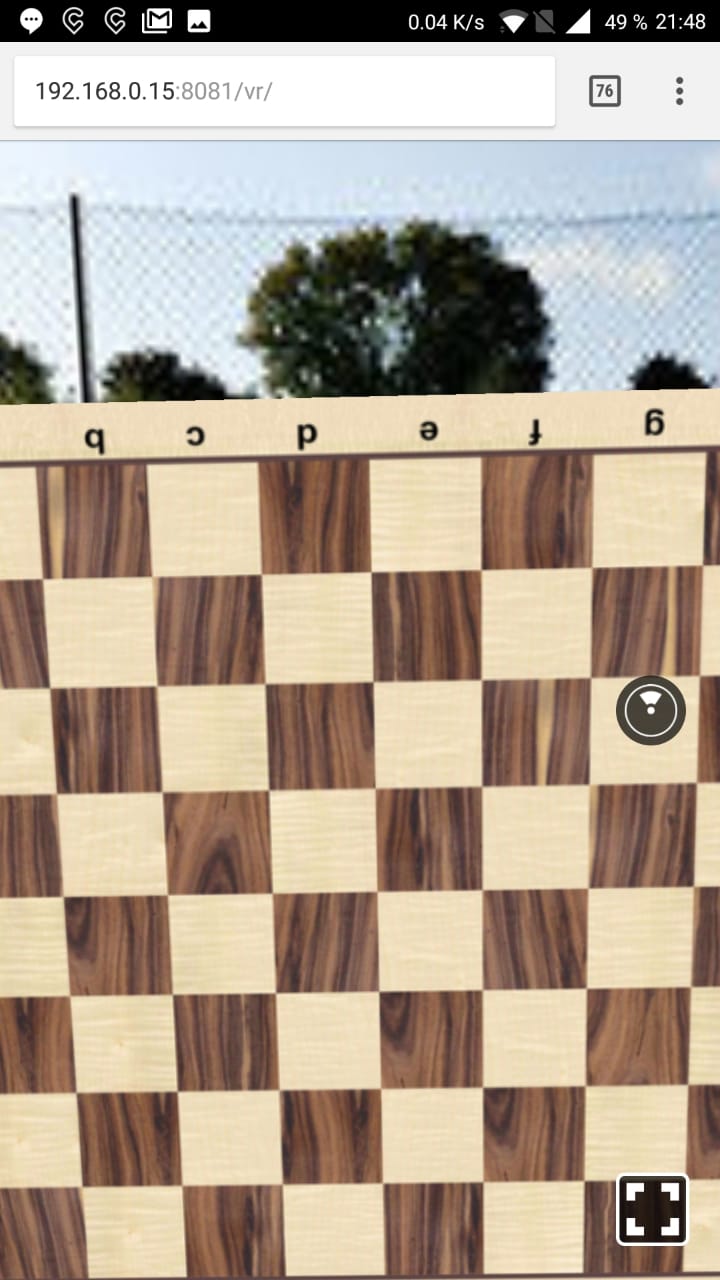
Few things are lacking now, but they might be a huge amount of work.
- Optimization of images as they take really long to load
- Controller use in Oculus (currently only mouse or touch control)
- A working chess game
- Aesthetic improvements
The most important thing about React 360 is how it transforms to the appropriate device. In React, components are used as pieces that add up to an element.
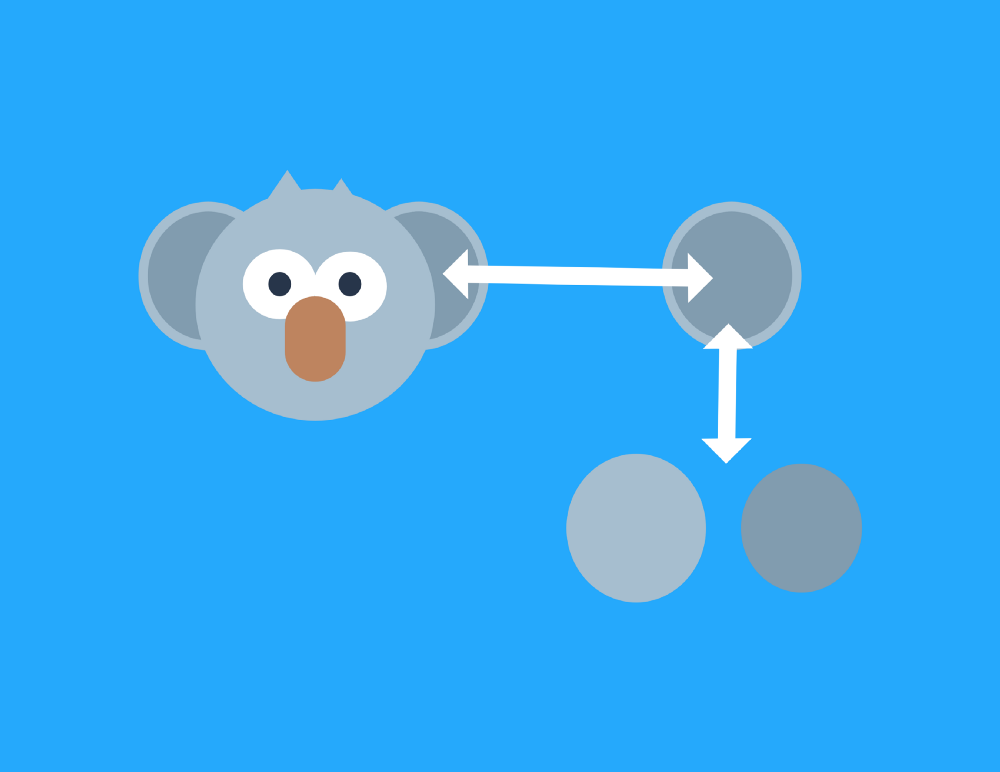 In React 360, instead of defining a
 <div> for web and an android.view for Android, you define a View element and React 360 will export for the appropriate platform on runtime. This saves a lot of problems for the programmer.
Giving up chess
After a lot of problems thinking about chess and how to make all the rules in it, I decided to fall back on it. The point of this work is to have a visual interactive game, not an advanced chess AI, so a tic tac toe will be the final product.
For this part, the composition is simple: Index > Game > Board > Square.
The index is in charge of all the visual parts: the Pano (park scene), the start menu and Game.
The Game is in charge of declaring a winner, and keeping the next move.
The Board shows the # game board and creates Squares.
The Squares just show X or O.
It is worth mentioning that there is a component outside this component tree that has the responsibility of the raycaster for the Oculus: client.js. This file creates the scene and tells the browser it is in a VR setting, then calls the index.
Tic Tac Toe
The tic tac toe logic is simple enough, but allows for cool stuff to be done. There is a matrix of 3x3 and when a row, column or diagonal has the same shape (either X or O) a winner is declared. Now, it is nice to have a history of moves, a counter for the urrent player and a winning animation, so this is what we wil do.
For the visual part, three different images were used, an X, an O and a transparent image. At the beggining of the game, each point of the board is filled with an empty image and, everytime the user clicks, a different shape is set.
Oculus support
As both Oculus and React are Facebook products, of course they play along great. Also, npm helps a lot with this. There is a package for handling controllers with 3 and 6 Degrees of freedom. This package adds a Three.js scene and tracks the position and direction of the controller and Raycasts to where it hits and intercepts the click events. This package is the official one by facebook so it worked out of the box (after a little fiddling around and some forum navigation).
As for the visual part, React 360 takes charge. It is the same principle of any 3D scene: render the elements in the view area.
React 360
React 360 is a Facebook technology that builds upon Three.js. Three.js uses WebGL as a base so, in a sense, this was done using WebGL (in a higher level API). React 360 builds upon React Native, the technology that Facebook created to write once use everywhere for mobile. This helps the programmer worry about the UI and UX and not about the implementation.
Sound
To give the sensation of being in the park, park sounds were added. This, in VR helps a lot. React 360 has an interface that creates an object (sort of like a view), that when given a sound asset, makes the sound.
For the winning sound, an empty object is passed until there is a winner.
| Number | Description | Estimated hs | Actual hs | Date begun | Date End |
|---|---|---|---|---|---|
| 1 | Create original project (repo included) | 0.5 | 0.5 | 07/05 | 07/05 |
| 2 | Set the environment Skybox | 1 | 0.5 | 08/05 | 08/05 |
| 2.5 | Test on pc, phone and Oculus | 0.1 | 0.1 | 08/05 | 08/05 |
| 3 | Explain to the professor why WebGL was skipped | ? | ? | ? | ? |
| 4 | Add Pieces assets | 0.2 | 0.25 | 12/05 | 12/05 |
| 5 | Insert pieces on board (initial layout) | 1 | 3.5 | 13/05 | 13/05 |
| 6 | Make Pieces draggable | 6 | - | - | - |
| 7 | Keep Score | 2 | - | - | - |
| 8 | Define piece movement logic | 10 | - | - | - |
| 9 | Make pieces eat each other | 2 | - | - | - |
| 10 | Write tic tac toe fall bak | 1 | 1 | 18/05 | 18/05 |
| 11 | Make Tic Tac Toe work | 2 | 3.5 | 20/05 | 21/05(about 1 am) |
| 12 | Add oculus support | 3 | 1 | 27/05 | 27/05 |
| 13 | Add winner text | 1 | 1.5 | 28/05 | 28/05 |
| 14 | Restart button | 1 | 2 | 28/05 | 28/05 |
| 15 | Stop player after winner | 1 | 3 | 30/05 | 30/05 |
| 16 | Add sounds | 1 | 1 | 30/05 | 30/05 |
Publishing
As everything was done in the front end, github pages was used. This allows for quick deploymet and 99.99% availability.
The most updated version is here.
Next Steps
It would be really cool to set a serverand play with friends, or create an AI to play.
Resources
https://leanpub.com/learnreactvr/read
https://en.wikipedia.org/wiki/Chess_piece (for pieces assets)
https://www.npmjs.com/package/three