Third Task
Make a canvas that on click shows a WebGL shape
The code for this task is here.
The SCRUM like control is here.
For this task a simple task was set: in a canvas, make so that when the user clicks, a WebGL shape appears on that spot.
Sounds simple enough, and an example was given to us, but it might prove the opposite. The example worked in the first try, and with that out of the way it seems that the only thing left is change the squares (10px dots) into a shape).
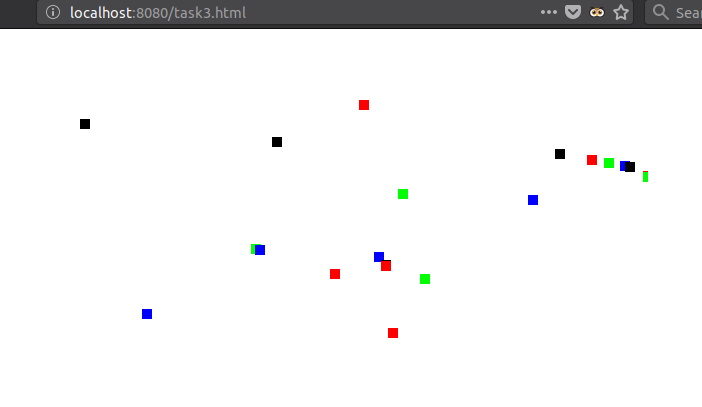
Now on to the code. With help from the commented example the code was clear, as it is written in a reading friendly way. The first thing to note is that it uses a single HTML file with scripts, rather than a separate JS file.
At first, I took another example in a separate canvas and added it, to then combine the two, and this proved non trivial, as the WebGL that draws the squares takes two points as a parameter an the colorful square takes 4. 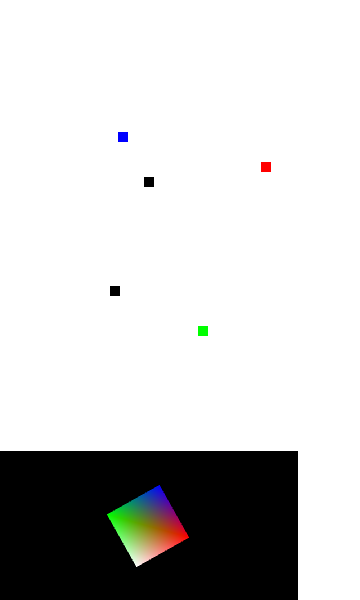
Although it was not the solution it was a decent approach. The second try was, instead of having different JS files, adding the whole Script for the Square in the HTML file.
This approach allows the both contexts to talk to each other, making it easier to put together.
After a lot of different approaches, I managed to put together the canvases, and the square in the top one. Made it white for some reason and committed it.
Now, the onClick function only refreshes the square a little back. The current working version can be found here, along with the code on github.
The event to be handled is just a JS event, like in any higher level situation, but the function inside that responds to the click is madeon WebGL
canvas.addEventListener("mousedown", function (event) {...})
The correct solution
Changing the array on the buffer seems like overpowering and unnecesary, as it is done in the CPU, using JS, instead of doing it in the GPU.
The correct way to do it is with a Transformation Matrix, which the original position vector and transfors the coordinates. With this matrix you may move, rotate and resize your WebGL objects. This is hard to wrap your head around, because it requires some algebra to transform from local coordinates to global and reset them. At the hardware level, this process is much better suited to be done in the GPU, so the the CPU must only send the matrix over and let the little optimized processors do their thing.
For this, WebGL has given us APIs. This was already in use in the program, to rotate the shape on the Z axis:
 mat4.translate(modelViewMatrix,
                modelViewMatrix,
                [-0.0, 0.0, -6.0]);
 mat4.rotate(modelViewMatrix,
                modelViewMatrix,
                squareRotatio,
                [0, 0, 1]);       // axis to rotate around (Z)
These two WebGL functions take a Matrix and multiply (dot product) it with the vertex position vertex.
Now, we need to use these functions in conjunction with the position of the mouse to change the object in relation to what's in view of the canvas.
This part was not done cuz I was dumb and lost a lot of time in the wrong way to do it :(